
Best e1RM Tracker App for Strength Training (2026)
A practical guide to choosing the best e1RM tracker app for top-set logging, strength trends, and weekly load decisions that stay grounded in real training.
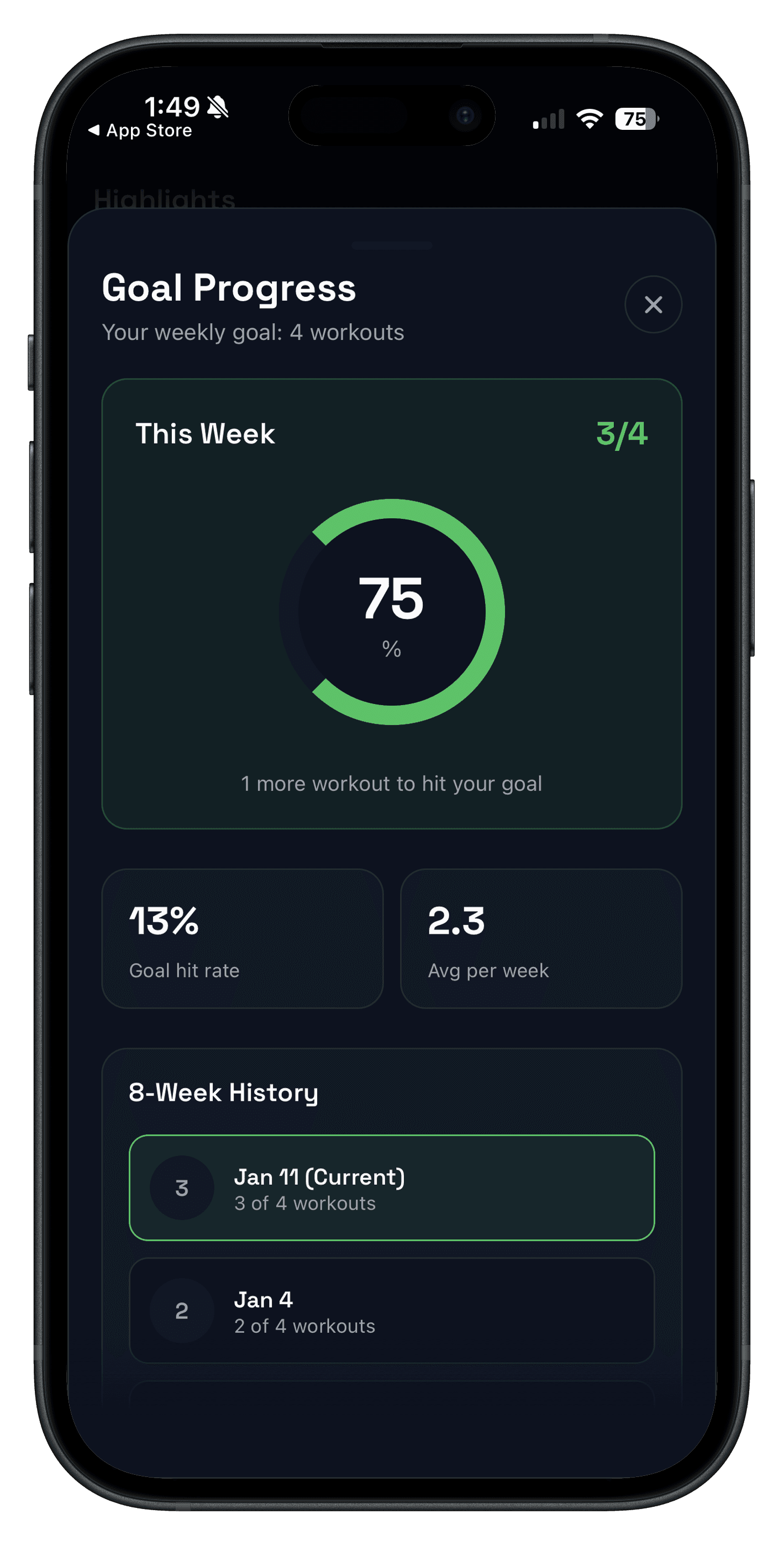
Quick answer: the best e1RM tracker app is not just a calculator. It is the app that lets you log one repeatable top set, compare it with last week, and make a clean decision about load, reps, or recovery without opening a spreadsheet.
That matters because estimated 1RM only helps if the context stays stable. If your app hides previous values, makes history slow to review, or leaves fatigue invisible, the number becomes noise instead of guidance.
Updated Apr 17, 2026: this page is built for commercial app-selection intent. If you only need the formula, start with the 1RM / e1RM calculator guide. If you want a repeatable logging system around that number, keep reading.
An e1RM tracker appis a workout tracker that helps you log repeatable top sets, estimate strength trends over time, and decide whether to push, hold, or recover based on more than one day's performance.
What makes the best e1RM tracker app?
- Repeatable top-set logging: weight, reps, and exercise setup should be easy to record without slowing down the session.
- Previous values in one tap:you need last week's reference close enough to compare like-for-like.
- Weekly review clarity: trend review should take minutes, not a separate data project.
- Fatigue context: the app should help you tell the difference between normal fatigue and a real plateau.
- Load-planning support: warm-up, training-max, and progression workflows should connect cleanly to the logged set.
| Need | What a strong e1RM tracker app does | Why it matters |
|---|---|---|
| Top-set logging | Keeps weight, reps, and effort fast to enter during a normal workout. | If logging is slow, you stop collecting clean data. |
| Previous-session context | Shows the last matching lift or top set without digging through old sessions. | e1RM only means something when the comparison is honest. |
| Trend review | Makes it easy to review the same lift across recent weeks. | You want a trend, not a one-day high score. |
| Recovery context | Pairs lower performance with fatigue or readiness signals when possible. | That helps you avoid overreacting to one flat session. |
e1RM tracker app vs 1RM calculator: what is the difference?
A calculator answers one question: what might this set mean right now? A tracker answers the more useful question: what has this lift been doing for the last few weeks, and what should I do next?
That is why many lifters need both. Use the 1RM / e1RM calculator to estimate a number, then use your workout log and strength training tracker to keep the number tied to real sessions instead of random testing days.
The 2-workout e1RM tracker app test
- Choose one main lift you can repeat under similar conditions for two workouts.
- Log one top set in the same rep range both times, ideally with a simple RIR target.
- Check whether last session's values are visible fast enough to guide the second workout.
- Review the result once after the second session and decide whether the app made the trend obvious.
If you cannot answer "did strength improve, stay stable, or dip because of fatigue?" in under a minute, it is not a strong e1RM tracker app.
How Push/Pull fits an e1RM tracking workflow
Push/Pull is a strong fit if you want an e1RM tracker app workflow without turning training into admin work. The app keeps top-set logging quick, surfaces previous workout values, and supports progression review through tools you can actually use between sessions.
- Fast logging keeps heavy sets and accessories in the same flow. See workout logging.
- Previous lift context stays close to the active workout. See previous workout values.
- The 1RM / e1RM calculator and tools hub handle load planning when you want a quick estimate.
- Trend review pairs naturally with progressive overload tracking and plateau diagnosis.
That combination is the important part. A good e1RM workflow is rarely about one magic metric. It is about having enough session context to trust the trend.
Who this is for
- Strength-focused lifters who use top sets and want cleaner load decisions week to week.
- Intermediate lifters replacing notes or spreadsheets with a faster logging workflow.
- Anyone who wants to track e1RM without turning every session into a testing session.
- Coached lifters who need better visibility into whether a flat week is fatigue or a real stall.
FAQ
What is the best e1RM tracker app?
What is the difference between an e1RM tracker app and a 1RM calculator?
Do I need automatic e1RM calculations built into the app?
What should an e1RM tracker app track besides weight and reps?
How often should I review e1RM trends?
Related reading
- 1RM Calculator: How to Estimate Your One-Rep Max
- Progressive Overload Explained
- Workout Log: Track Sets, Reps, and Weight
- Strength Training Tracker
Keep e1RM useful, not theoretical
If you want a faster way to run top-set tracking, Push/Pull keeps previous values, workout history, and progression tools close enough that weekly strength trends stay actionable.