RP Hypertrophy App Alternative: A More Flexible Way to Track Growth
Compare RP Hypertrophy and Push/Pull for mesocycle coaching, flexible templates, RIR, progressive overload, recovery context, and price.
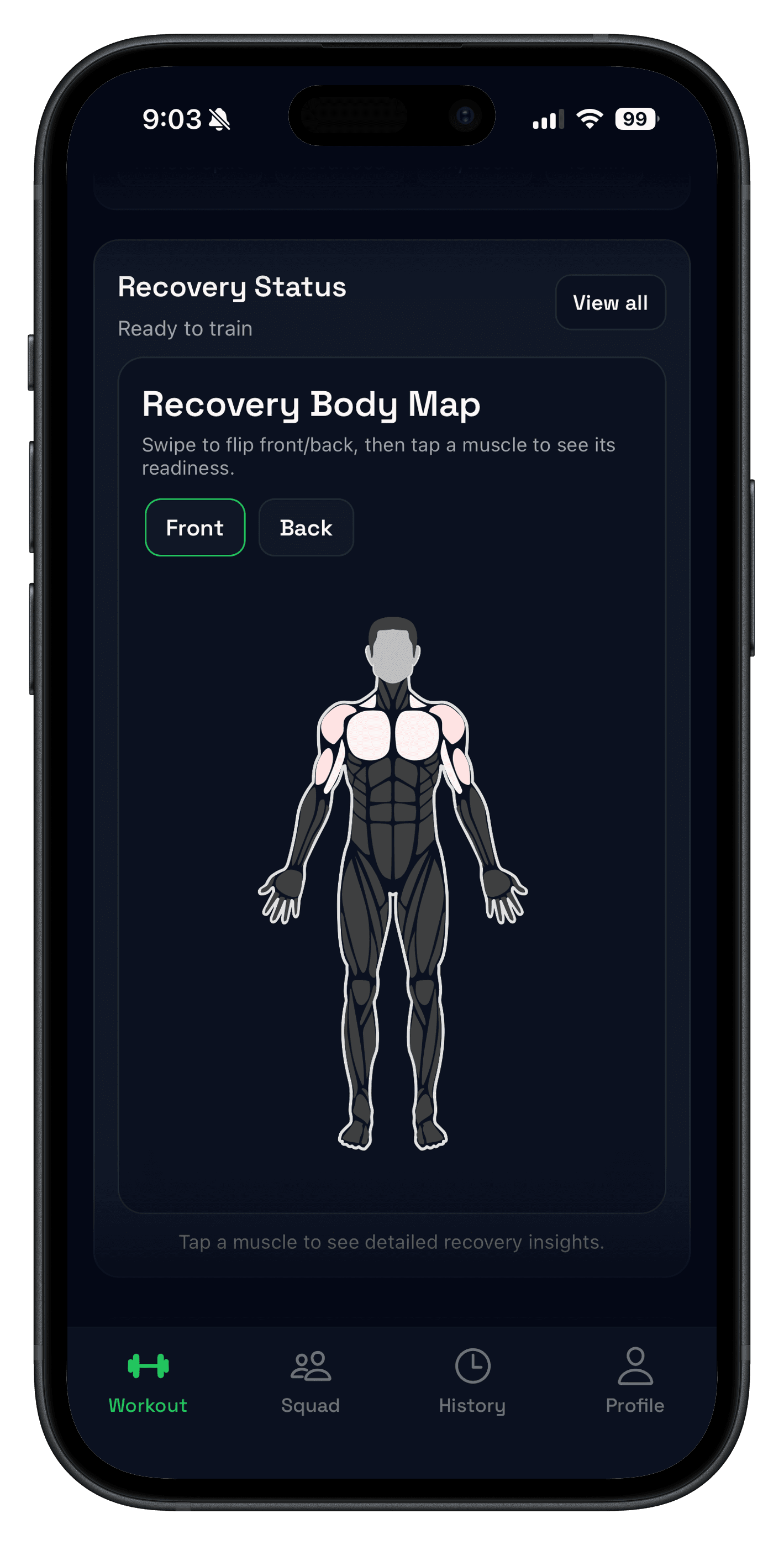
A good RP Hypertrophy App alternative depends on what you want to replace. RP is a hypertrophy coaching system: it builds mesocycles and adjusts training from feedback such as pump, soreness, and workload. Push/Pull is a flexible strength and hypertrophy tracker: you control the template while the app keeps RIR, previous values, progression suggestions, and recovery context close to the next set.
Choose RP when you want the app to run RP-style programming for you. Choose Push/Pull when you already have a program—or want an editable starting point—and need a calmer daily workflow for logging, progressing, and deciding whether a muscle group is ready to train again.
- Pick RP Hypertrophy for automated, feedback-driven hypertrophy mesocycles.
- Pick Push/Pull for flexible templates, fast logging, RIR, progression, and recovery context.
- Do not switch if RP’s specific coaching loop is the part producing consistency for you.
RP Hypertrophy App vs Push/Pull at a glance
| Decision | RP Hypertrophy | Push/Pull |
|---|---|---|
| Programming model | Prescribed hypertrophy mesocycles adjusted from training feedback. | Editable templates plus optional AI planning and next-workout guidance. |
| Best for | Lifters who want RP’s methodology to drive the block. | Lifters who want to own the plan and keep daily execution fast. |
| Progress context | Weight, reps, pump, soreness, and workload feedback shape weekly recommendations. | Previous values, RIR, overload suggestions, history, fatigue trends, and readiness. |
| Current U.S. price | $34.99 monthly or $299.99 yearly, verified Aug 1, 2026. | $6.99 monthly or $49.99 yearly after a 7-day trial. |
What RP Hypertrophy does better
RP's current official U.S. App Store listing describes more than 45 premade plans, a custom mesocycle builder, over 250 technique videos, and week-to-week recommendations based on pump, soreness, and workload. That is a real coaching product, not merely a workout log.
If you want those inputs to control volume and progression across an RP-style block, stay with RP. Replacing it with a flexible tracker would also mean taking more responsibility for exercise selection, weekly volume, and when to deload.
When Push/Pull is the better RP Hypertrophy App alternative
Push/Pull fits the lifter who wants less prescription and more control. Build reusable workout templates, record RIR during training, keep previous values visible, and review fatigue trends without forcing every block into one programming philosophy.
The app can still reduce decision fatigue through progressive overload suggestions and recovery and readiness context. The difference is that the recommendation supports your template instead of defining an RP mesocycle for you.
Use the bottleneck test before switching
- If programming the mesocycle is the hard part, RP solves the more important problem.
- If logging and adapting your own routine is the hard part, Push/Pull is the cleaner fit.
- If cost is the only issue, list the RP decisions you would need to make yourself before moving.
- Run one normal training week in the alternative before rebuilding your full history.
For a broader shortlist, compare the options in our hypertrophy workout tracker guide.
FAQ
What is a good RP Hypertrophy App alternative?
How is Push/Pull different from the RP Hypertrophy App?
How much does the RP Hypertrophy App cost?
Should a beginner use RP Hypertrophy or Push/Pull?
Can Push/Pull replace RP’s mesocycle coaching?
Try your own program with less daily friction
Build the next week as editable templates, log RIR and previous values, and see whether Push/Pull gives you enough guidance without taking control of the whole mesocycle.