StrengthLog Alternative: A Flexible Workout Log for iPhone Lifters
Compare Push/Pull and StrengthLog for workout logging, programs, Apple Watch, templates, progression context, and choosing a practical lifting workflow.
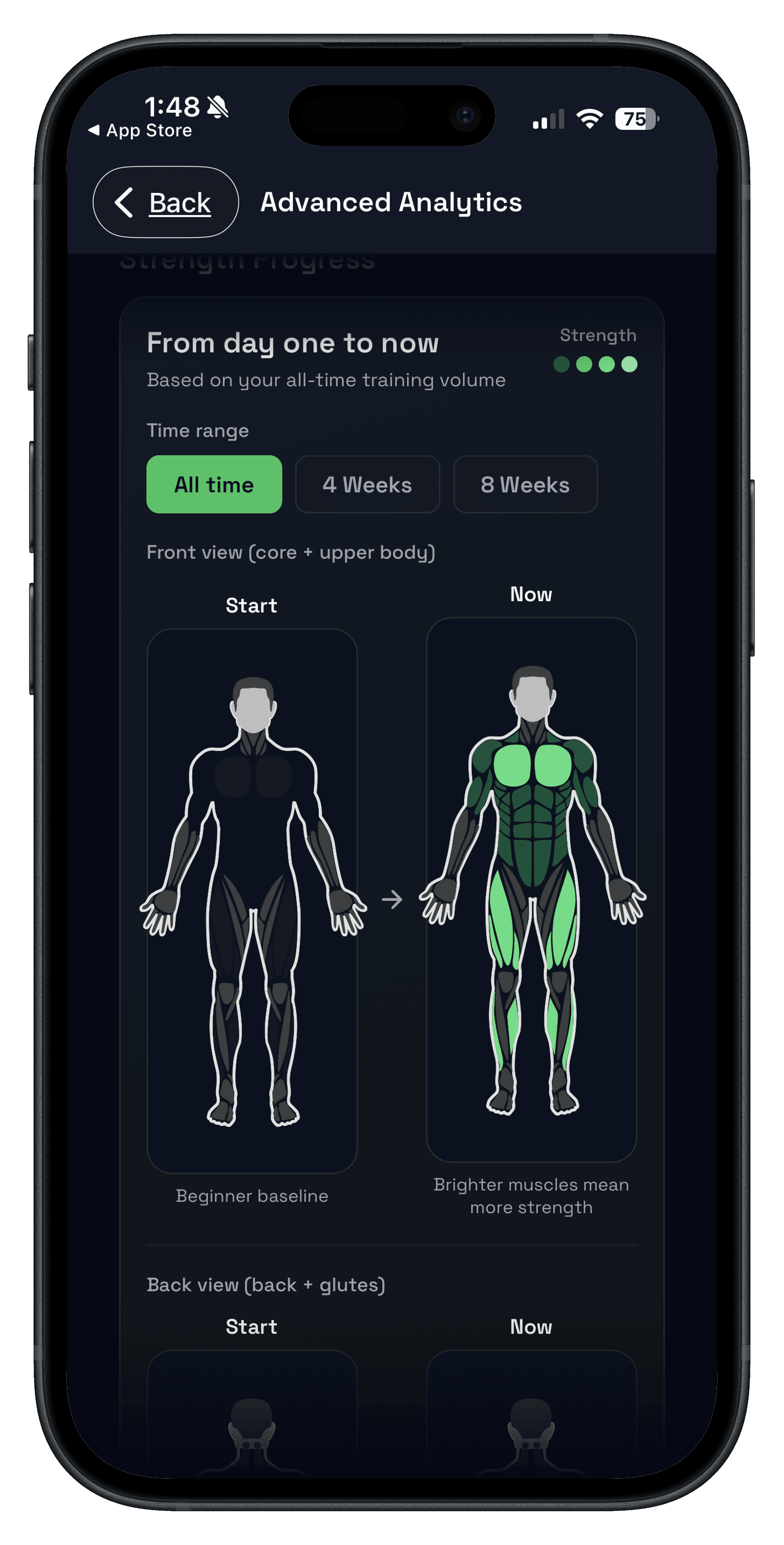
A good StrengthLog alternative should preserve what made you choose a lifting app in the first place: a fast workout log, repeatable training, and a clear way to see what to do next. StrengthLog pairs unlimited free logging with built-in strength programs and tools. Push/Pull takes a different route: you own an editable template while previous values, RIR, progressive overload suggestions, and recovery context stay close to the workout.
Choose StrengthLog if a generous free log and program library are the main reason you need an app. Choose Push/Pull if you already have a routine—or want to build a flexible one—and want the daily execution and progression decisions to feel simpler.
- Choose StrengthLog for unlimited free logging plus a library of programs and training tools.
- Choose Push/Pull for editable templates, previous values, RIR, overload suggestions, and recovery context.
- Test both with one normal workout if Apple Watch logging is a deciding factor.
StrengthLog vs Push/Pull at a glance
| Decision | StrengthLog | Push/Pull |
|---|---|---|
| Best starting point | A free strength log plus programs and training tools. | A flexible plan you build, save, and run your way. |
| During the workout | Log workouts and follow a selected program. | Log fast with previous values, RIR, and template context nearby. |
| After the workout | Review progress, goals, and streaks. | Use history, overload suggestions, and recovery signals to choose the next target. |
| Apple devices | iPhone, iPad, and Apple Watch listed. | iPhone and Apple Watch workflow for strength training. |
What StrengthLog does well
StrengthLog's official U.S. App Store listing, verified on August 1, 2026, describes a workout log with training programs, progress analysis, goals, and streaks. It also says the free version includes unlimited workout logging and free support, while the listing offers optional in-app purchases.
That is a persuasive package if you want to open an app, select a program, and retain a capable free log. If those built-in programs are what keep your training consistent, they are a real advantage—not a feature to dismiss in a comparison.
When Push/Pull is the better StrengthLog alternative
Push/Pull fits the lifter who is not looking for a giant program catalog. You can start from reusable workout templates, adapt the plan when the gym is busy, record RIR when it matters, and keep the last performance close enough to make the next working-set decision quickly.
The app also brings the decision layer forward with progressive-overload suggestions and recovery and readiness context. That makes the stronger case when your bottleneck is executing and adapting your own plan rather than finding a new one.
Use the bottleneck test before you switch
- If choosing a program is your recurring problem, test StrengthLog's library first.
- If you already know the plan but lose track of prior performance, test Push/Pull's logging and previous-value flow.
- Run one normal session with a compound lift, an accessory, and a rest timer.
- At the end, ask whether the next progression target is obvious without doing extra admin.
For a broader criteria-first market view, see our strength training log app guide and best progressive overload apps comparison.
StrengthLog alternative FAQ
What is a good StrengthLog alternative?
Is StrengthLog free?
Does StrengthLog work on Apple Watch?
Should I choose StrengthLog or Push/Pull?
Can I move from StrengthLog without copying my whole history?
Try your own plan with clearer next steps
Build or save the routine you actually run, log it quickly, and use previous values plus recovery context to make progression simpler without handing your whole plan to an app.