
Workout Template Sharing App: Share a Routine Without Screenshots
A feature-led guide to what a workout template sharing app should actually do, why screenshots fail, and how Push/Pull shares routines by link.
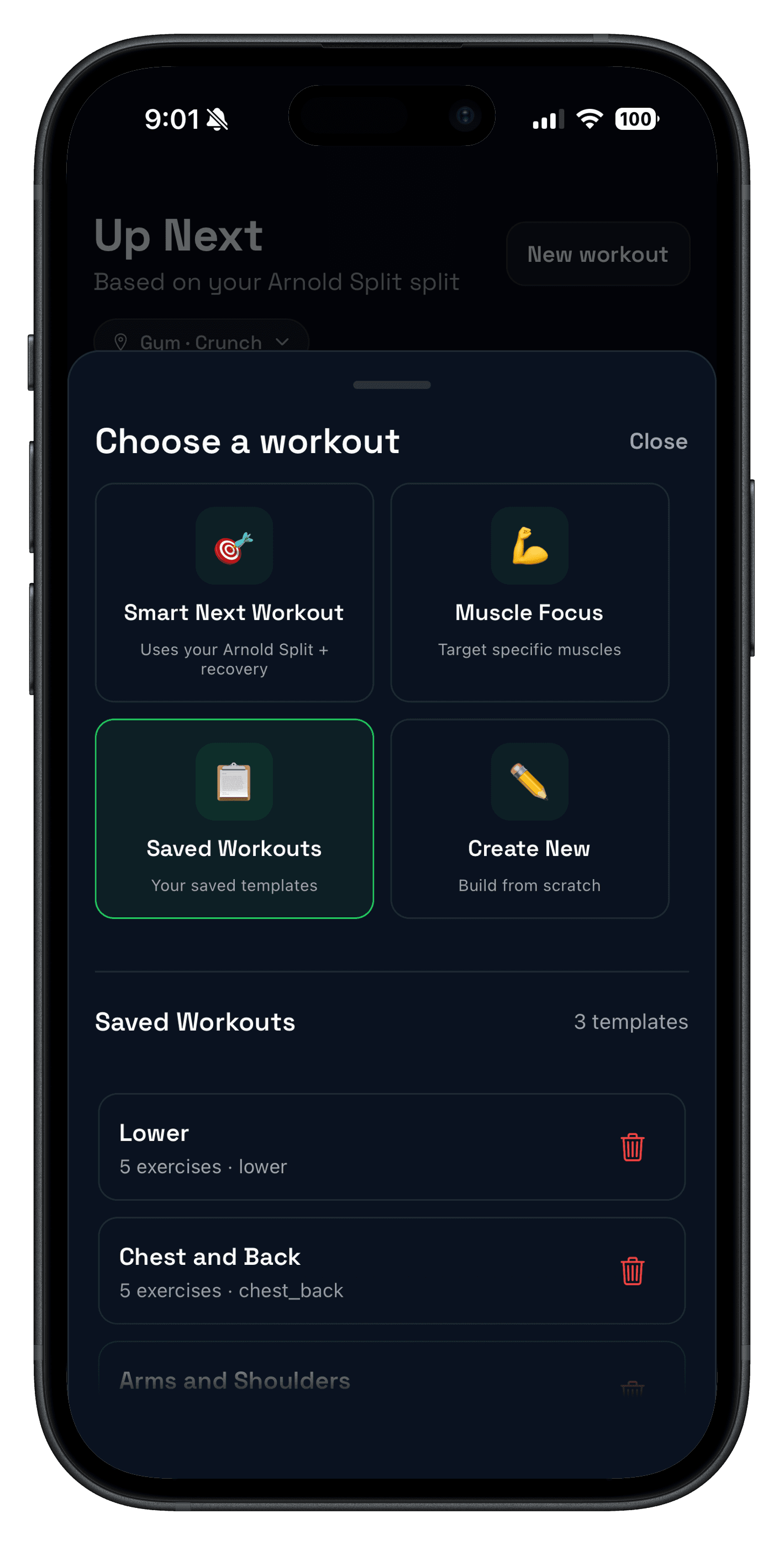
Quick answer: a workout template sharing app should let you send a full routine by link so another lifter can open it, copy it, and start training without rebuilding every exercise by hand.
That sounds simple, but most sharing workflows are still messy. Screenshots lose structure, notes turn stale, and copy-paste plans usually break the moment someone wants to edit sets, swap equipment, or save the routine for later.
If you still need to build the plan itself, start with the workout planner app guide and the workout templates feature. This post is about the next step: sharing a routine cleanly once the template already exists.
What is a workout template sharing app?
A strong workout template sharing app lets you send a routine in a reusable format so the other person can open it, copy it, and train from it without starting from scratch.
The difference matters most when the routine is more than a simple list of exercises. Once a plan includes sets, reps, rest, and a real split structure, the app should preserve that logic instead of reducing it to a static image.
What should a good workout template sharing app actually do?
- Share the full routine by link: not just a screenshot or export file buried in a menu.
- Open on web and in the app: preview first, then move into the app when it is time to copy or train.
- Preserve the workout structure: exercise order, sets, reps, rest, and notes should stay intact.
- Allow edits after sharing: the receiver should be able to adapt the routine instead of treating it like a locked PDF.
- Work for real lifting splits: especially repeatable templates like push/pull/legs and upper/lower.
If the sharing flow breaks any of those steps, it becomes a viewing tool instead of a training tool.
| Option | Best for | Main limitation |
|---|---|---|
| Screenshots | Quick preview of one workout day. | Hard to reuse, edit, or copy into a tracker cleanly. |
| Notes or PDFs | Static programs that rarely change. | Go stale fast and create manual setup work for the receiver. |
| Workout template sharing app | Repeatable routines that another person should actually run. | Only valuable if opening, copying, and editing stay fast. |
How Push/Pull handles workout template sharing
Push/Pull treats template sharing as part of the training workflow, not a detached export step. You can build the routine, generate a link, and send it to a friend or squad from the same system you use for workout logging.
- Create or edit a reusable template with exercises, sets, reps, rest, and notes.
- Generate a share link for that routine.
- Send the link to a friend, training partner, or small group.
- Let them open it on the web or jump into the app to copy the routine and start training.
That is the workflow behind the template sharing links feature. It pairs naturally with fast workout logging, because the real value is not just sending the plan. It is sending a plan that is easy to execute once the workout starts.
When a workout template sharing app is better than screenshots
- You and a training partner run the same split with small exercise differences.
- You want to send someone a working plan, not a static reference image.
- You coach or organize a small accountability group and need one clean source of truth.
- You rotate home-gym, travel, or equipment-specific versions of the same routine.
It also fits well with small-group consistency. If the goal is not only sharing the plan but also staying on it together, the next useful read is Social Workout App: Accountability That Actually Sticks.
Who this is for
- Lifters who already run repeatable templates and want to share them cleanly.
- Training partners following the same structure with minor exercise swaps.
- Coaches or small groups that need better routine sharing than screenshots or notes.
- People comparing trackers and weighing whether template workflows are actually reusable.
What to test before choosing a workout template sharing app
- Share one real routine to another device and confirm it opens quickly.
- Check that exercise order, sets, reps, and rest all survive the handoff.
- Make one edit on the receiving side and see whether the routine still feels reusable.
- Confirm the app also handles actual training, not just planning.
- Compare it with the broader shortlist in Best Gym Tracker App for Strength Training.
That last step matters because sharing is rarely the whole decision. The best template sharing flow still needs a tracker underneath it that keeps the routine easy to log and easy to progress.