
Evidence Based Workout App: What Lifters Should Look For
A practical checklist for choosing an evidence based workout app that turns logging, progression, effort, rest, and recovery into better strength-training decisions.
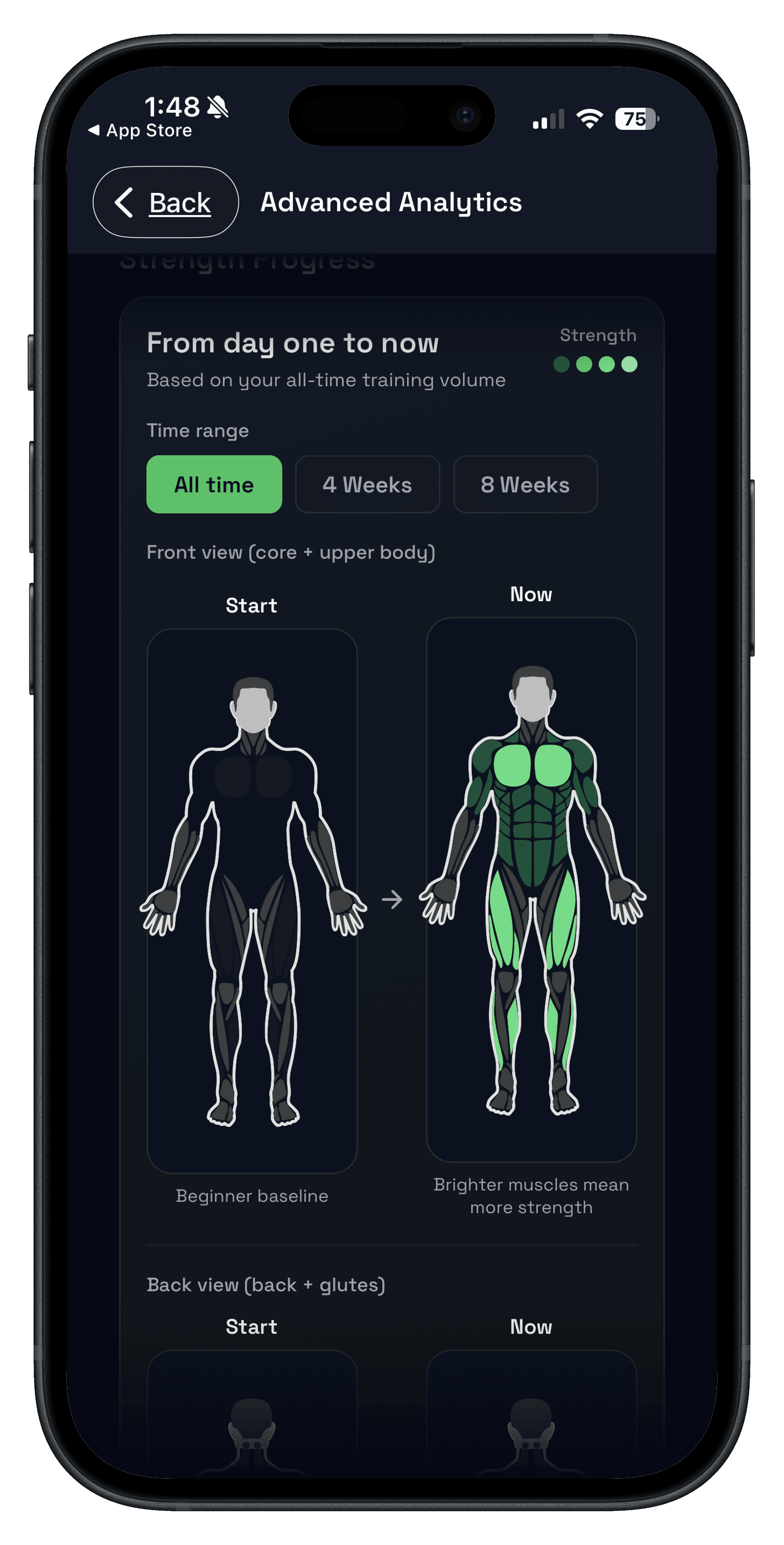
Quick answer: an evidence based workout app should help you make better training decisions from what you actually log. It should turn sets, reps, load, effort, rest, and recovery into a clear next step instead of just giving you a new workout every day.
For lifters, "evidence based" is not a label that matters on its own. The app has to help you repeat a plan long enough to measure it, apply progressive overload, keep volume and effort realistic, and explain when a change is worth making.
If you are comparing apps, use this as a practical checklist. It is less about which app has the most science language and more about which one gives you useful evidence during a real training block.
A good evidence based workout app keeps training principles visible in the workflow: repeatable templates, progressive overload, appropriate volume, consistent effort, enough rest, and recovery-aware adjustments.
What makes an evidence based workout app useful?
The useful version is boring in the best way. It helps you do the right basics consistently, then gives you enough feedback to adjust one variable at a time.
- Repeatable plan: you can run the same template for multiple weeks instead of restarting constantly.
- Progression rule: the app makes it clear when to add reps, add load, or hold steady.
- Logged evidence: decisions are based on previous sets, not memory or novelty.
- Effort context: RIR, RPE, or notes explain why the same numbers felt different.
- Recovery context: the app shows when fatigue should change the plan without turning every day into a panic.
That matches the practical direction of established resistance-training guidance: progressive training, appropriate loading, rest, frequency, and individual context matter. The ACSM progression model for resistance training is one useful reference point, but an app still has to make those ideas usable between sets.
Evidence based workout app vs random generator vs basic tracker
| App type | What it does well | Where it breaks down |
|---|---|---|
| Random workout generator | Creates variety quickly when you do not know what to train. | Often loses progression context because every week looks different. |
| Basic workout tracker | Stores sets, reps, weight, and completed sessions. | May not explain what to change next or why progress stalled. |
| Evidence based workout app | Connects the plan, log, progression rule, effort, rest, and recovery. | Still requires consistent logging and honest effort ratings. |
The difference is not whether an app says "science" in the App Store. The difference is whether it can explain the next training decision from the data you have already created.
Five decisions the app should help you make
Progressive overload is the core decision. A good app should show last session's work and support a clear rule, like adding reps first and increasing load after you own the top of the range. Push/Pull supports that with progressive overload suggestions.
More sets are not automatically better. Use recent performance and recovery to decide whether volume should climb, stay stable, or drop. For the training side, read how many sets per muscle per week.
Effort data keeps progress honest. If the same load suddenly costs much more effort, the next move may be to hold steady instead of forcing more weight. The RIR training app guide explains how to log this without slowing the workout.
Rest affects performance. If one week uses 60-second rests and the next uses 3-minute rests, the numbers are harder to compare. Use rest between sets as a pacing baseline.
Recovery context matters when fatigue is changing the signal. A good app helps you adjust the session without abandoning the plan. For a deeper framework, see the workout recovery app guide.
How Push/Pull fits an evidence based strength-training workflow
Push/Pull is not trying to replace a coach or turn every lifter into a spreadsheet analyst. It is built for a simpler workflow: plan a repeatable session, log it quickly, keep previous values visible, and use the data to make the next decision cleaner.
- Use the strength training tracker workflow to keep progression and history close to the workouts.
- Use fast workout logging so the evidence actually gets captured during the session.
- Use the AI workout planner when you want help building a plan, then judge the plan by the workouts you log.
That is the practical middle ground. The app gives you structure and context, but your training block still gets judged by repeatable execution and logged results.
The 5-minute evidence based app test
- Create one workout you could repeat for at least four weeks.
- Log one main lift with sets, reps, load, rest, and optional RIR or RPE.
- Check whether the app shows what you did last time before the next work set.
- Ask what the app would change next session and why.
- Confirm you can ignore or adjust the suggestion when recovery or technique says no.
If the app cannot pass that test, it may still be useful for variety or logging, but it is probably not an evidence based training workflow yet.
Who this is for
- Lifters who want a programmed workout app without losing control of the plan.
- People replacing notes, spreadsheets, or random workouts with a repeatable training loop.
- Intermediate lifters who need better reasons to add weight, hold steady, deload, or adjust volume.
- Beginners who want simple structure, as long as the app does not make training feel complicated.
FAQ
What is an evidence based workout app?
What should an evidence based workout app track?
Is an AI workout planner automatically evidence based?
Is a workout tracker enough for evidence based training?
Who should use an evidence based strength training app?
Turn training evidence into a cleaner next step
Push/Pull helps you log consistently, review previous values, and make progression decisions from the workouts you actually complete.