
StrongLifts Alternative: Push/Pull vs StrongLifts 5x5
A criteria-first StrongLifts alternative guide for lifters choosing between a fixed 5x5 program and a flexible strength-training tracker.
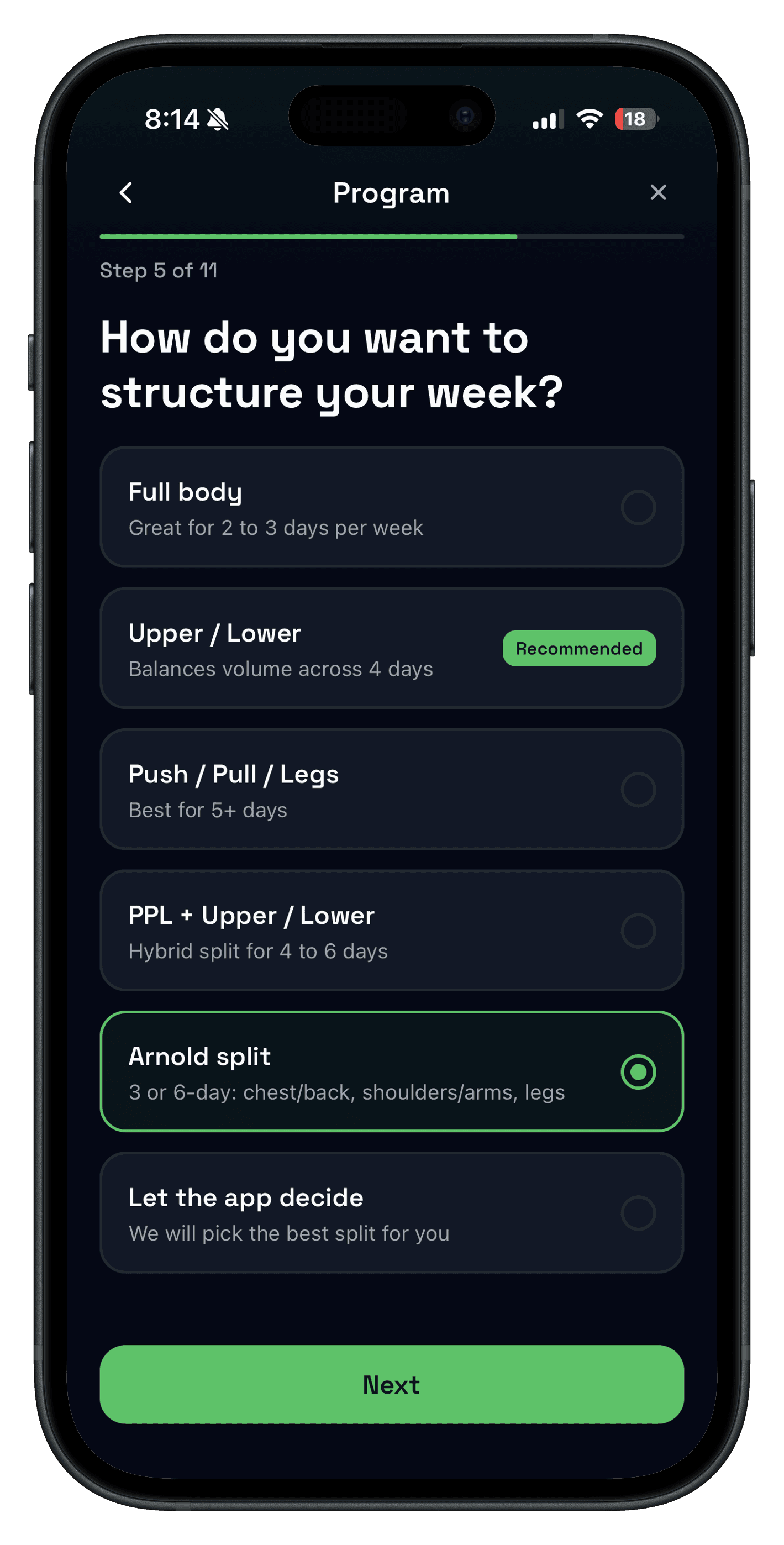
Quick answer: StrongLifts is the better fit when you want a 5x5-style strength program planned for you. Push/Pull is the better StrongLifts alternative when you want flexible templates, faster custom logging, previous workout values, Apple Watch support, and recovery-aware progression for the routine you already run.
This comparison is not about making StrongLifts look weak. It solves a real problem for lifters who want the app to handle a proven barbell progression. The question is whether you still want that fixed program-first workflow, or whether your training has moved toward a custom split, more exercise variety, or a lighter daily tracker.
If you are building a broader shortlist first, start with Best Gym Tracker App for Strength Training. If you are specifically deciding whether to leave StrongLifts, use the criteria below.
- Choose StrongLifts if you want the app to tell you which 5x5 workout to run, what weight to use, when to add load, and when to deload.
- Choose Push/Pull if you want to run your own split with faster logging, previous-session context, Apple Watch flow, and flexible progression choices.
- Compare both for one week if you are unsure whether the real friction is programming decisions or in-gym tracking speed.
Source snapshot (checked Jun 16, 2026)
- StrongLifts app feature page: stronglifts.com/app
- StrongLifts 5x5 guide: stronglifts.com/stronglifts-5x5
- StrongLifts U.S. App Store listing: App Store
- Push/Pull pricing and product details: push-pull.app website and current feature pages.
What makes a good StrongLifts alternative?
A good alternative should not just copy 5x5. It should solve the reason you are considering a switch: flexibility, faster session flow, better template control, or a clearer way to progress outside a narrow beginner barbell plan.
- Program flexibility: can you run PPL, upper/lower, hypertrophy, strength, or a coach-written plan without fighting the app?
- Logging speed: sets, reps, weight, and rest should stay fast during normal workouts.
- Progression clarity: the app should make the next target easier to decide, not just store old numbers.
- Device fit: Apple Watch, iPhone, and post-workout review should match how you actually train.
- Recovery context: once training gets harder, the app should help you know when to push, repeat, or back off.
| If you want... | Better fit | Why |
|---|---|---|
| A guided 5x5 strength program | StrongLifts | Its official pages are built around planned 5x5, intermediate, and Madcow-style progressions. |
| Flexible templates for your own split | Push/Pull | Push/Pull is built around reusable routines you can edit for PPL, upper/lower, full body, or custom plans. |
| Automatic 5x5 load increases and deloads | StrongLifts | StrongLifts publishes automatic progression and deload rules as core app features. |
| Previous values close to every set | Push/Pull | Push/Pull keeps last-session context and workout history close to the active logging flow. |
| A less program-specific tracker | Push/Pull | If you are no longer running 5x5, a flexible tracker usually fits better than a 5x5-first app. |
What StrongLifts does really well
StrongLifts is strongest when you want a program-first app. Its official app page says it plans workouts, weights, sets, and reps; includes StrongLifts 5x5, intermediate, and Madcow 5x5 options; calculates starting weights; increases weight after successful sets; and deloads when needed.
The official pages also describe warm-up and plate calculators, automatic rest timers, Apple Watch logging, Apple Health sync, progress charts, consistency tracking, exercise history, and personal record tracking. That is a useful package if you want the app to guide the whole strength progression.
- Clear program path: beginner 5x5, intermediate 5x5, and Madcow style options are core to the product.
- Automatic progression: StrongLifts says it can increase weights, repeat loads, and deload based on performance.
- Barbell utilities: warm-up and plate calculators fit the 5x5 use case well.
- Watch support: official pages describe Apple Watch logging, timer notifications, warm-up access, plate calculator access, and Health sync.
If that describes your training problem, StrongLifts is a legitimate choice. A lot of lifters do not need more flexibility in the first few months. They need a simple plan, a clear load target, and a reason not to overthink the workout.
Where Push/Pull fits better
Push/Pull fits better when the program is no longer the main question. If you run a custom split, work with a coach, rotate exercises often, or care more about logging speed than a fixed 5x5 progression, a lighter tracker can be easier to use every session.
That is where Push/Pull separates itself: saved workout templates, previous workout values, and progressive overload suggestions help you make the next set decision without forcing all training into one program style.

Push/Pull also pairs well with the watch-first workflow covered in the Apple Watch lifting app guide. The goal is not to turn your wrist into a tiny program spreadsheet. It is to keep live set logging, rest timing, and review simple enough to use while you are actually training.
Program-first app vs flexible strength tracker
| Question | Program-first answer | Flexible tracker answer |
|---|---|---|
| What should I train today? | Follow the next planned workout. | Choose from saved templates or the split you already run. |
| What weight should I use? | Use the prescribed 5x5 progression. | Review previous values, effort, and recovery before choosing. |
| What if I change exercises? | Use substitutions inside the program structure. | Edit the template around your equipment, goals, or coach input. |
| What if recovery is poor? | Follow the app deload or repeat-weight logic. | Use logged history and recovery context to hold, reduce, or modify the session. |
Who each app is for
- You already have a split, coach-written plan, or custom training block.
- You want faster set logging and previous values without a heavy planning surface.
- You train beyond 5x5 and want templates that adapt to the way you lift now.
- You want progression decisions connected to recovery context and workout history.
- You want a clear 5x5 beginner strength path with less programming judgment.
- You like automatic load increases, repeats, and deloads inside one method.
- You want warm-up, plate, rest timer, and Apple Watch support around that program.
- You are happy keeping the app centered on StrongLifts-style training.
How to compare Push/Pull and StrongLifts fairly
- Choose one real training week, not a demo workout.
- Run StrongLifts if you want to test the guided 5x5 path.
- Run the same week in Push/Pull if you want to test custom templates and logging speed.
- Score both on setup time, set logging speed, previous-value visibility, and next-session clarity.
- Keep the app that makes the second week simpler to execute.
If you are comparing against broader progression tools too, read Best Progressive Overload App for Strength Training. If the name overlap is confusing, note that Push/Pull vs Strong covers a different app.
FAQ
What is the best StrongLifts alternative?
Is Push/Pull a good StrongLifts 5x5 alternative?
Is StrongLifts free?
Does StrongLifts support Apple Watch?
Which is better for custom programs: StrongLifts or Push/Pull?
Should beginners choose StrongLifts or Push/Pull?
Try the flexible tracker for one training week
If StrongLifts feels too program-specific for how you train now, run your normal routine in Push/Pull and compare logging speed, previous values, Apple Watch flow, and progression clarity.