Strong vs Fitbod: Manual Workout Log or AI Workout Planner?
Compare Strong and Fitbod by free access, workout planning, logging control, Apple Watch support, and the lifter each app fits best.
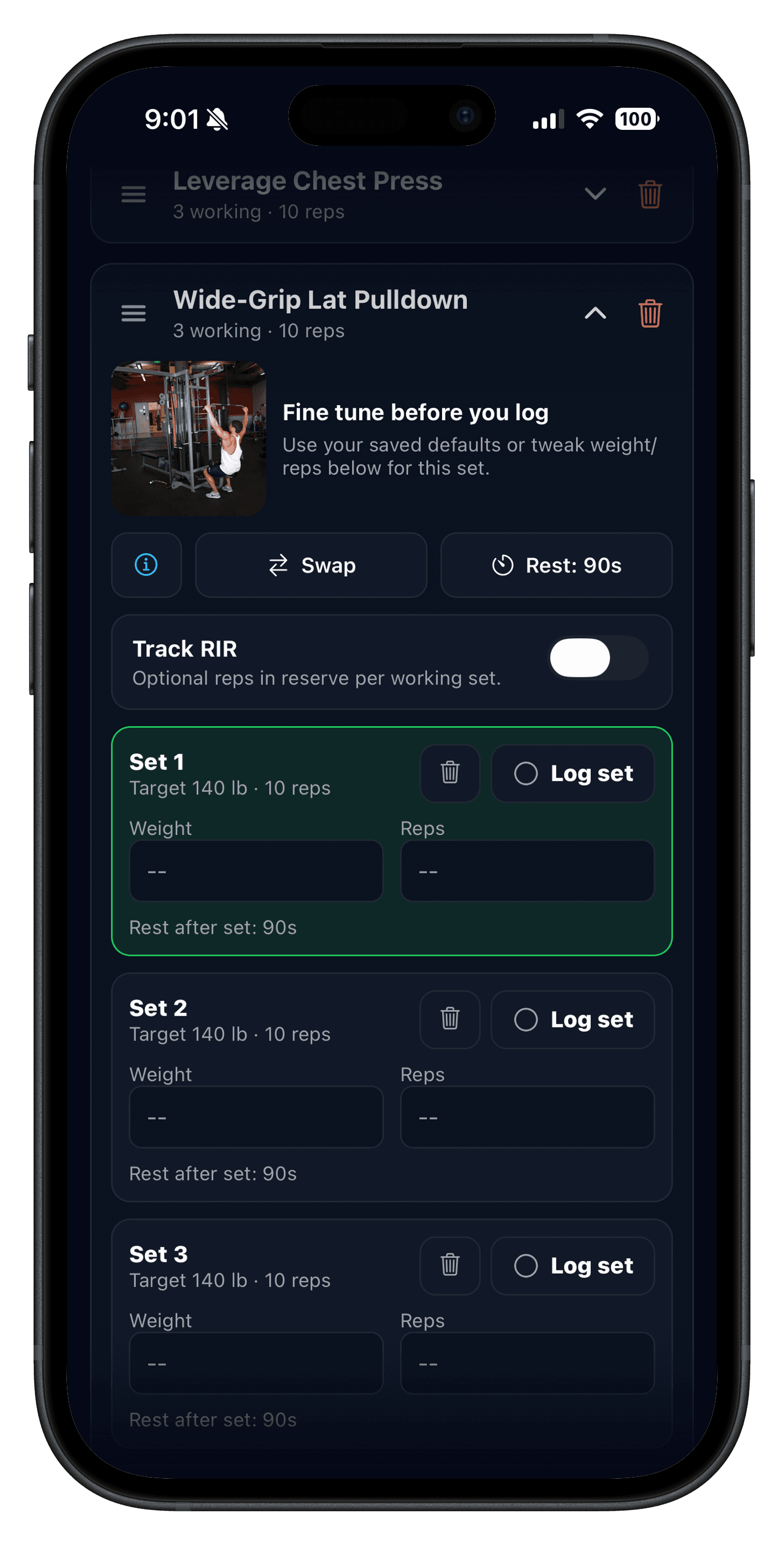
Comparing apps? Test Push/Pull for one real week
Start the 7-day trial, run the same routine you would use in Hevy, Fitbod, Strong, or another tracker, and judge the app on logging speed, previous values, and next-session clarity.
7-day free trial. Fast set logging. Apple Watch support.
Send the link to your phone
Quick answer: Strong vs Fitbod is mainly a choice between a workout log and an app-led planner. Strong is built for recording the program you choose. Fitbod is built to generate and adapt sessions around your goals, equipment, and recent training.
If you already have a PPL, upper/lower, coach-written, or simple full-body plan, a fast manual log is often the cleaner fit. If opening the app to a suggested session helps you train consistently, Fitbod's planning model can be more useful.
Product details below were checked against the current U.S. App Store listings on August 25, 2026. Store pricing and subscription terms can vary by region and platform.
Strong vs Fitbod: the direct answer
- Choose Strong when you want to build or repeat your own routines and make the programming decisions yourself.
- Choose Fitbod when you want the app to assemble more of each workout from your goals, equipment, and training history.
- Consider Push/Pull when you want editable templates and fast logging with previous values and progression suggestions, without handing over the full program.
| Decision point | Strong | Fitbod |
|---|---|---|
| Core model | Plan and record your own training. | Use personalized, AI-generated workouts and edit them as needed. |
| Free access | Unlimited saved workouts; current U.S. listing limits free access to three custom routines. | Free trial, then subscription access for premium workouts and features according to the current U.S. listing. |
| Progression approach | Review history, 1RM, volume, and best-set data to make the next call. | Recommendations adjust from your profile, workout feedback, and history. |
| Apple Watch | Current listing describes a Watch app that can log with or without iPhone. | Current listing shows Apple Watch integration alongside iPhone. |
Strong is for lifters who want to own the plan
Strong's product framing is a workout notebook: build routines, log sets, review progress, and keep the training decisions in your hands. Its current App Store listing includes custom routines, rest timers, exercise history, 1RM and volume graphs, RPE, warm-up and plate calculators, Apple Health, and CSV export.
That is most useful when you are repeating a known template, following a coach, or deliberately running a simple progression plan. The app does not need to pick exercises for the session; it needs to make the logging and next-session review reliable.
Fitbod is for lifters who want session guidance
Fitbod's current App Store listing emphasizes customized workouts based on fitness level, equipment, goals, recovery, and feedback. It also describes an exercise library with instructional video, workout modifiers, saved routines, Apple Health, Strava, Fitbit, and Apple Watch integrations.
This is valuable when planning is the bottleneck. The practical question is whether the suggested session is useful enough that you will complete it rather than spend ten minutes redesigning it in the gym.
Strong free vs Fitbod free: what actually changes?
The difference is not simply that both apps are free to download. Strong's current U.S. App Store description says the free version can save unlimited workouts but limits custom routines to three. Fitbod's description frames access around a free trial followed by an auto-renewing subscription that unlocks premium workouts and features.
If long-term no-cost logging is your first filter, test Strong's routine limit with the split you actually use. If guidance is your first filter, use Fitbod's trial for normal training days—not a novelty workout—then check whether its recommendations save time. For source-checked subscription details, see the dedicated Strong free version and PRO guide and Fitbod pricing and free-trial guide.
Test the workflow before choosing
- Run the same four sessions you would normally train that week.
- Count how often you change the planned exercise, set, rep, or load before starting a set.
- After each session, check whether you can find the prior performance and next target without hunting.
- Keep the system that makes your next workout clearer with the fewest extra decisions.
This avoids rating an app by a feature checklist instead of by how well it works when you are between heavy sets. If you want a clean logging setup, use the sets, reps, and weight logging guide.
A third option: editable templates with progression context
Push/Pull is a middle path for iPhone lifters who want to choose their split, repeat editable templates, see previous workout values, and use progression suggestions as prompts rather than commands. Learn more about fast workout logging, previous workout values, and progressive overload suggestions.
Source snapshot (checked August 25, 2026)
- Strong's U.S. App Store listing for current free-tier, device, and feature descriptions.
- Fitbod's U.S. App Store listing for current planning, integration, trial, and subscription descriptions.
- Fitbod membership checkout for the current public monthly and yearly plan display.